The most common reason for zero results to be returned when performing a line item search is a price list that is out of date. Use the steps below to identify if a new price list is available and to apply it.
Updating to more recent pricing
- Open an estimate and navigate to the Pricing tab.
- In the Price List Information card, locate the Price List field.
- Click the refresh icon next to the Price List field.
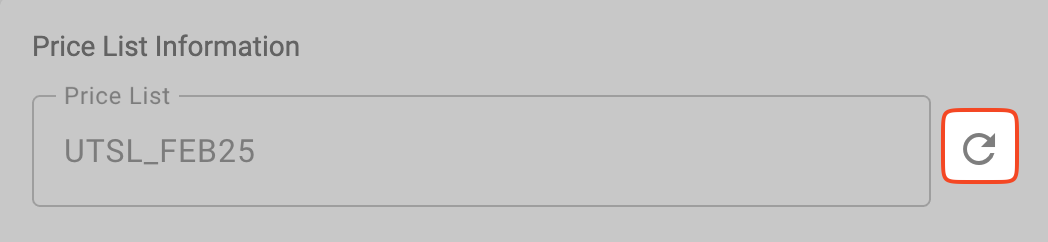
If the refresh icon is disabled, that indicates the price list that is currently applied is the most recent one.
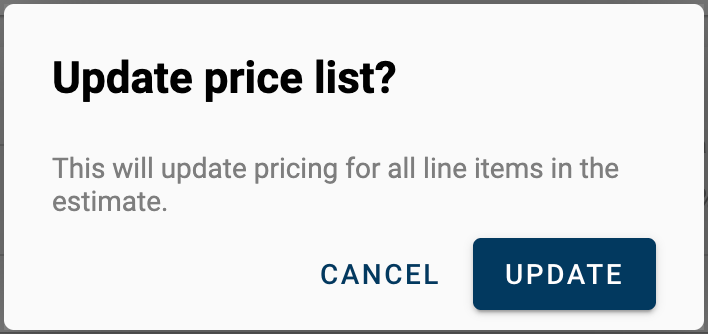
- Click UPDATE to confirm you wish to update the price list.
- A toast message at the bottom of the screen telling you how much the estimate price changed.

- Any prices that have been manually modified WILL NOT be reset with the reprice. If new pricing is needed for those line items, they will need to be re-added.
Comments