In addition to printing from within a project, you can print estimate reports directly from the Projects tab.
- On the Projects grid, check the box next to the project you would like to print.
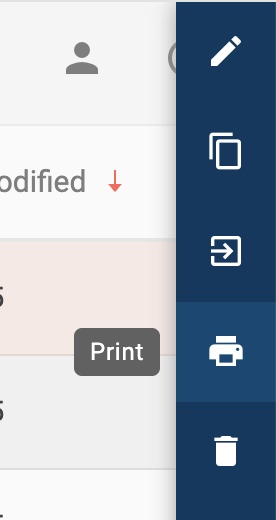
- On the slideout menu, select the Print option.
In addition to printing from within a project, you can print estimate reports directly from the Projects tab.
Comments