Projects in XactPRM can be archived so they no longer show on the Projects tab. They can also be restored to the Projects tab if needed.
Archiving projects
- Navigate to the Projects tab.
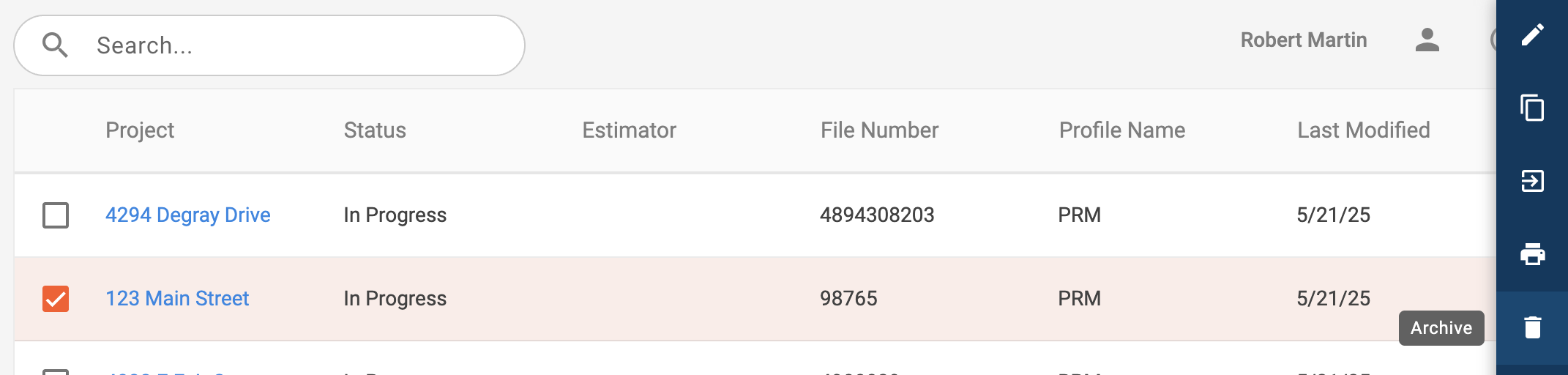
- Check the box next to one or more projects that you would like to archive.
- In the small slideout on the right side of the page select the Archive option.
Restoring projects
- Navigate to the Archive tab.
- Check the box next to one or more projects that you would like to restore.
- In the small slideout on the right side of the page select the Restore option.

Comments